Did you try adding the Custom Pass Volume? I also had a black screen before with all the samples shipped with the package. After adding that volume and setting it up correctly the GUI worked perfectly.
Our approach with Pass Volumes in the documentation is specific to HDRP. Since this appears to be a URP project, that information may not be applicable. While Unity is working towards unifying URP and HDRP, we haven’t yet had the opportunity to review the current state of that effort or confirm whether the Render Graph is already available in HDRP.
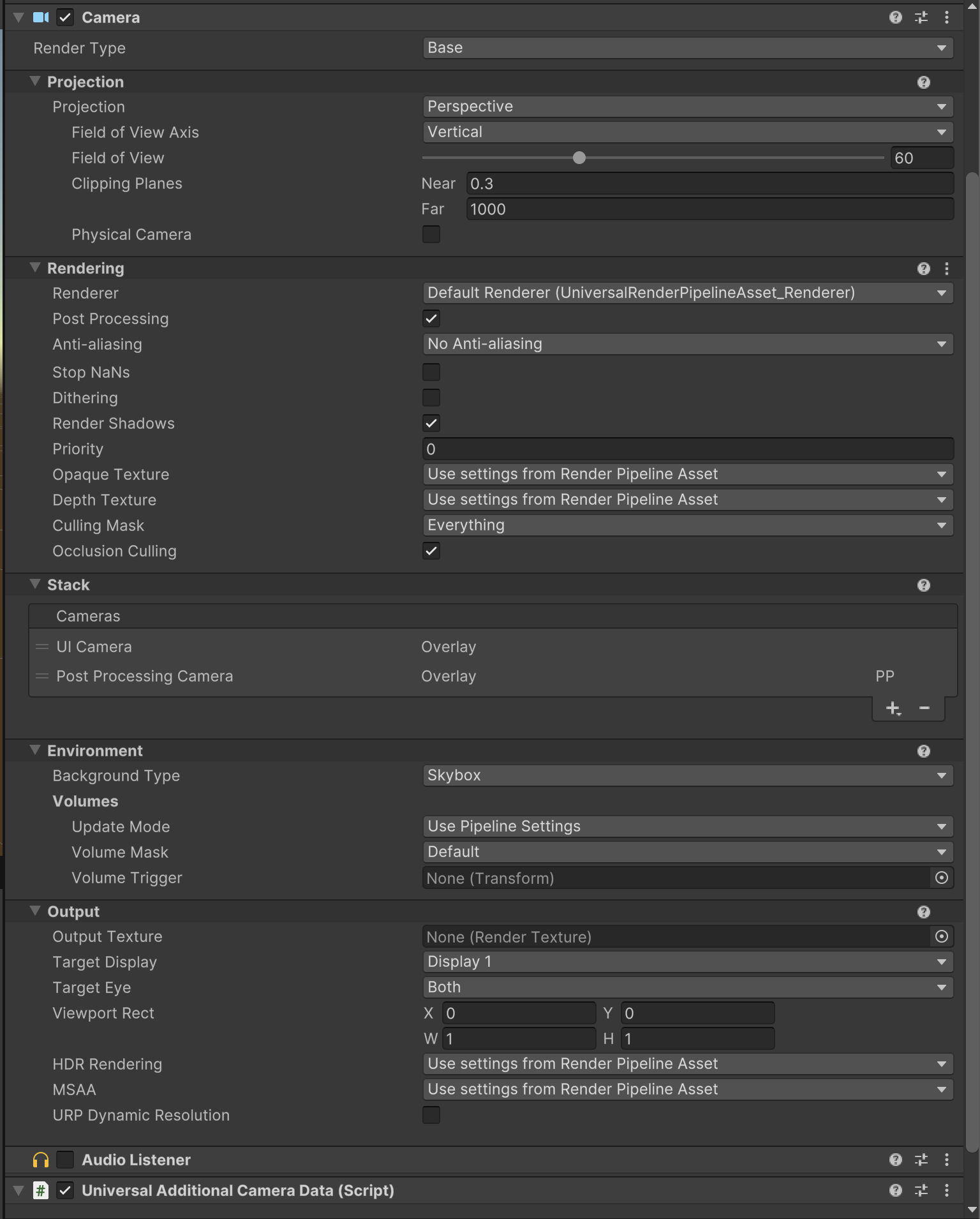
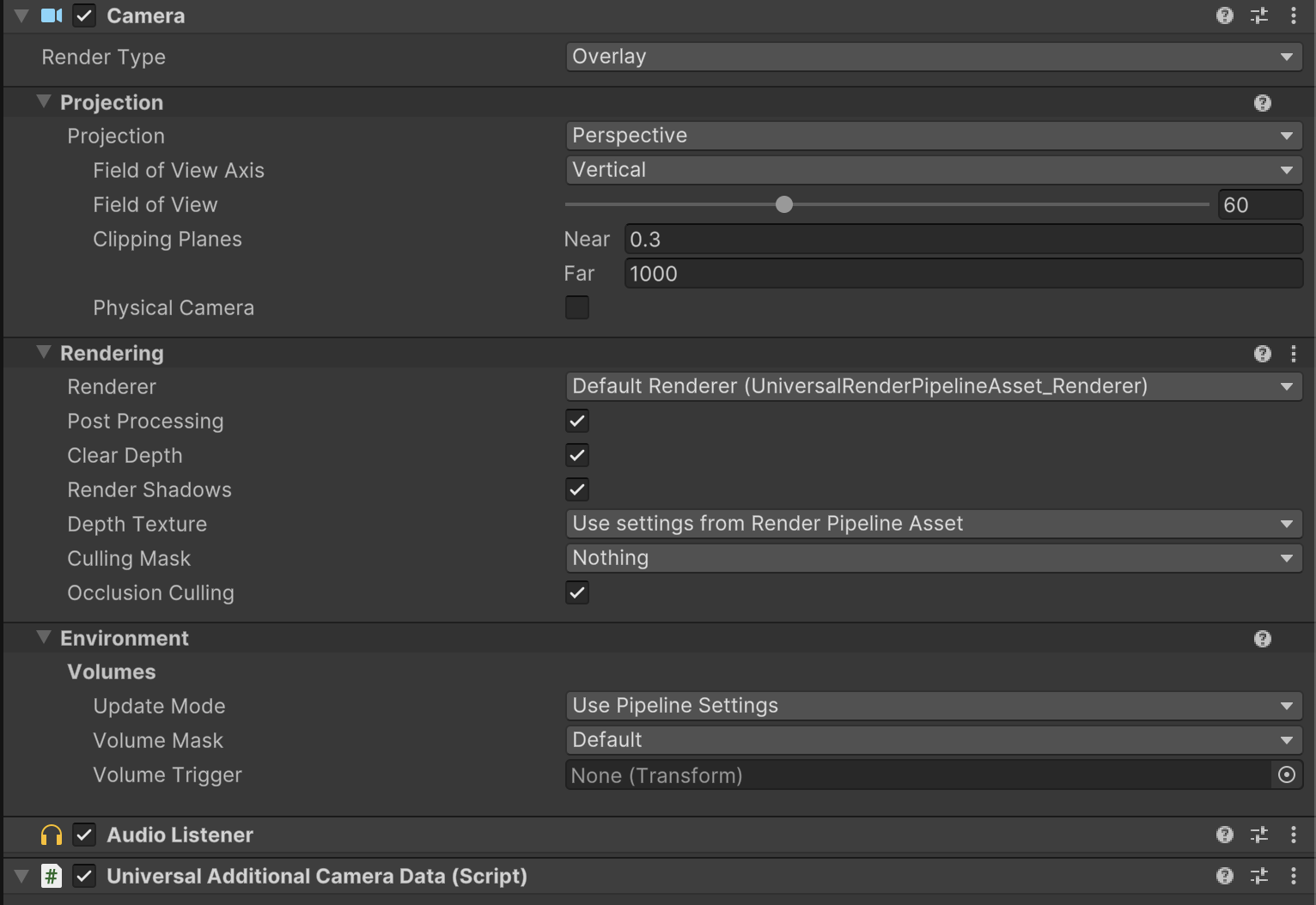
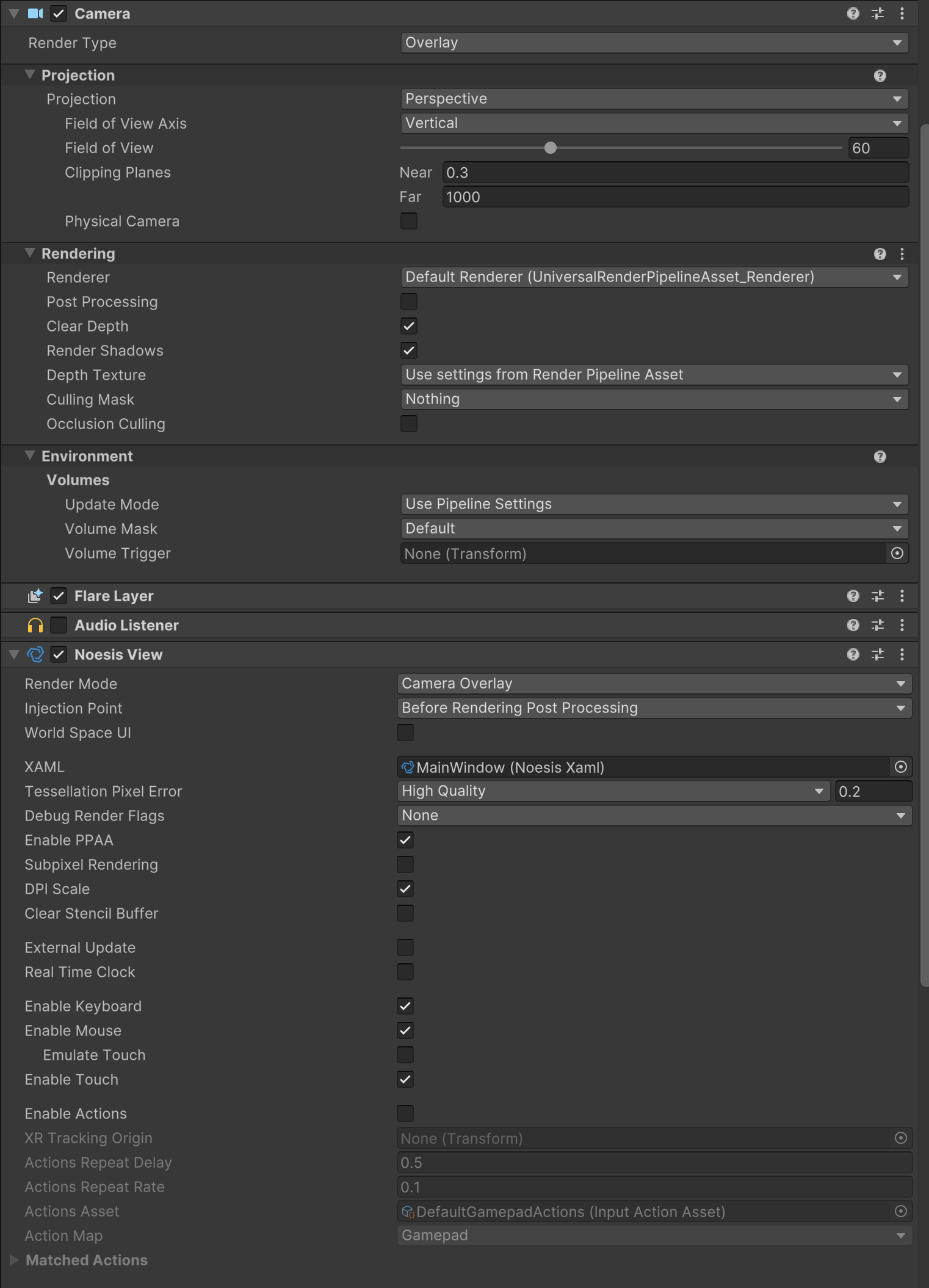
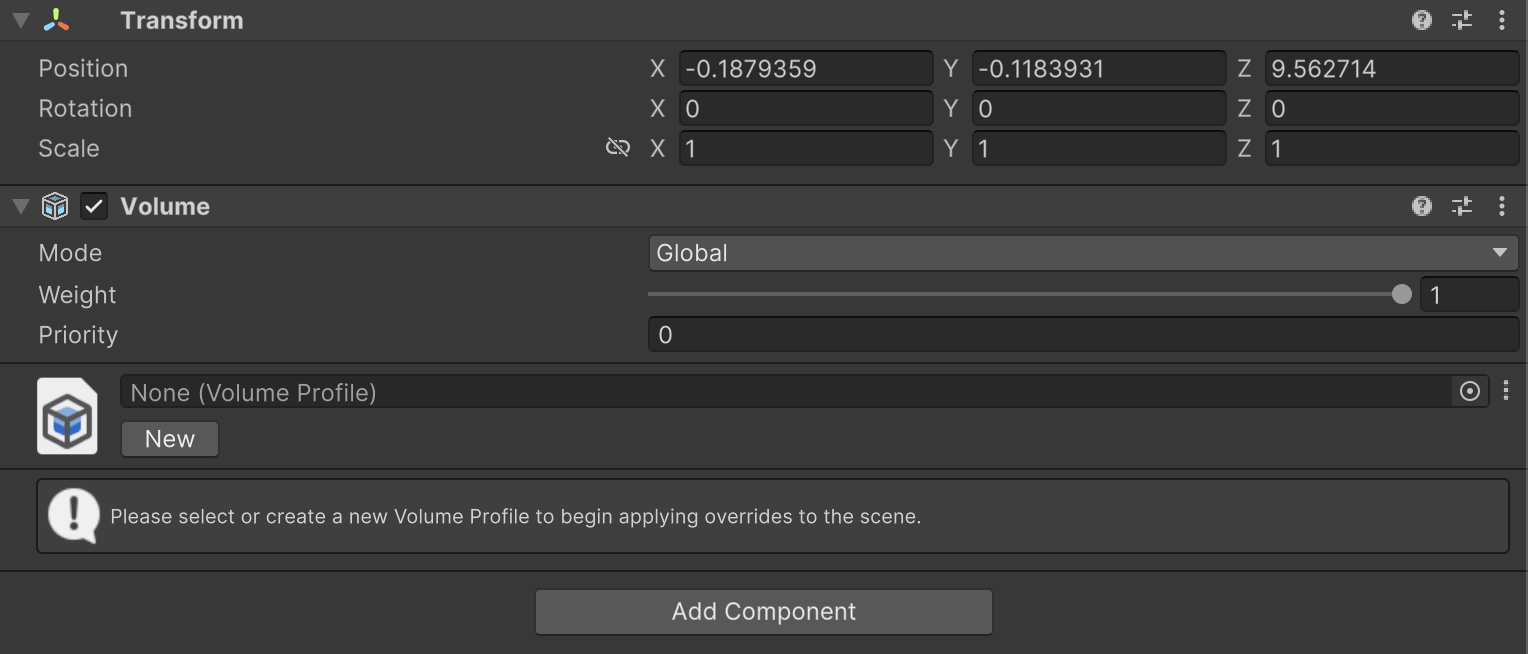
Yes, right. I was refering to the wrong section in the documentation, though a Global Volume is still required to separate UI from PP pass. I tried setting up NOESIS in Unity6 URP and it worked nicely except for the order of the camera stack. Docs say UI camera should go first which seems wrong logically and has proven so during tests.
Then again the issues
mithril52 is facing are most likely, as you already said, MacOS specific.