Weird behavior with WPF Image and ImageBrush in Unity
Posted: 11 Dec 2023, 23:55
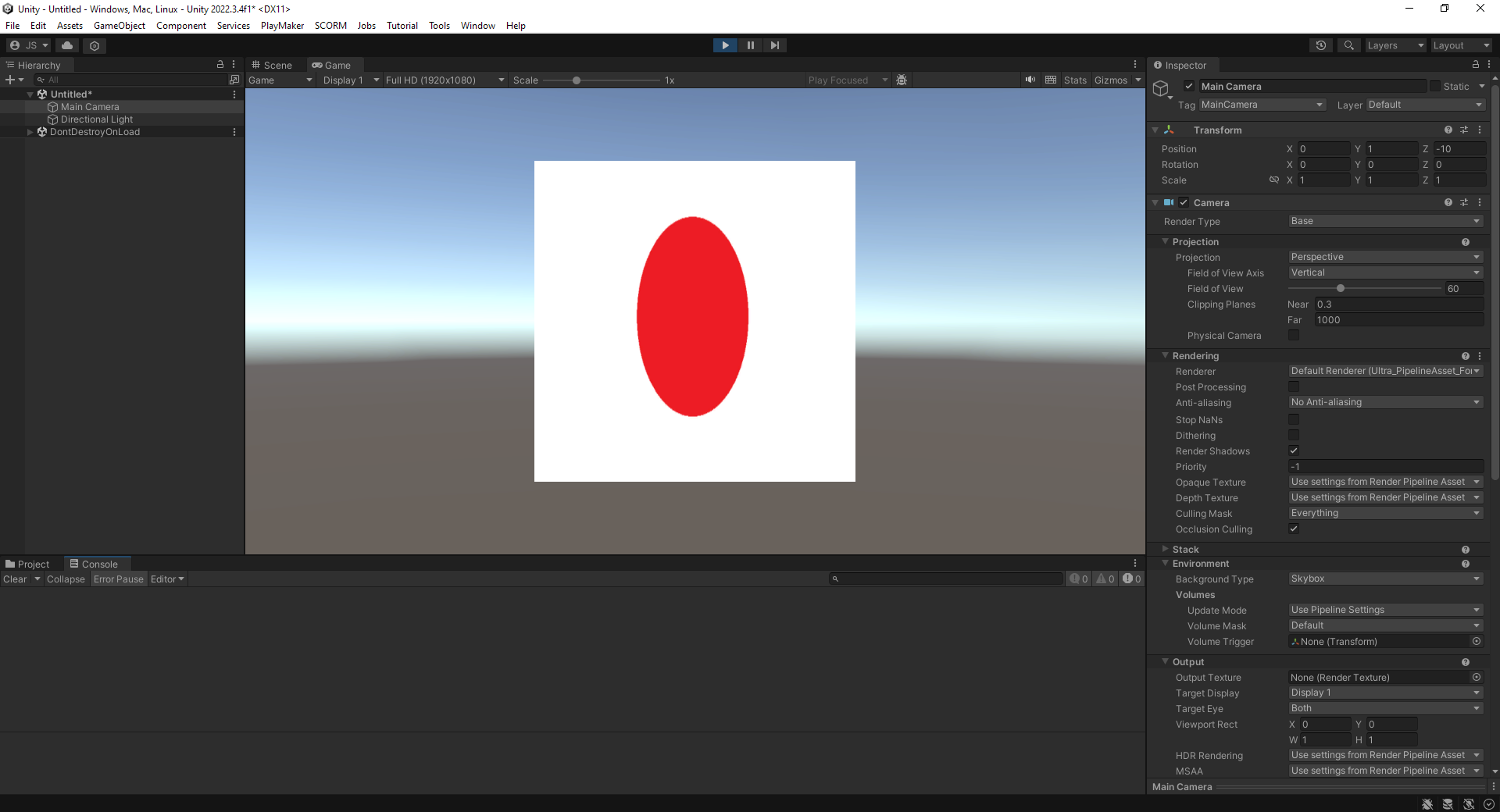
I need assistance figuring out why a WPF image with 736x411 dimensions is rendering in Unity as 411x411. The dimensions of the PNG are 736x411.
Below is the XAML (the redundant Widths and Heights were added to this sample to show that forced adherence to the desired dimensions appears to not be honored).
Steps taken in Unity:
1. File >> New Scene >> Basic (Built-in)
2. Add Component >> NoesisGUI >> Noesis View
3. Select XAML file
4. Play
The result renders in Unity as 411x411:
If I change the XAML to this:
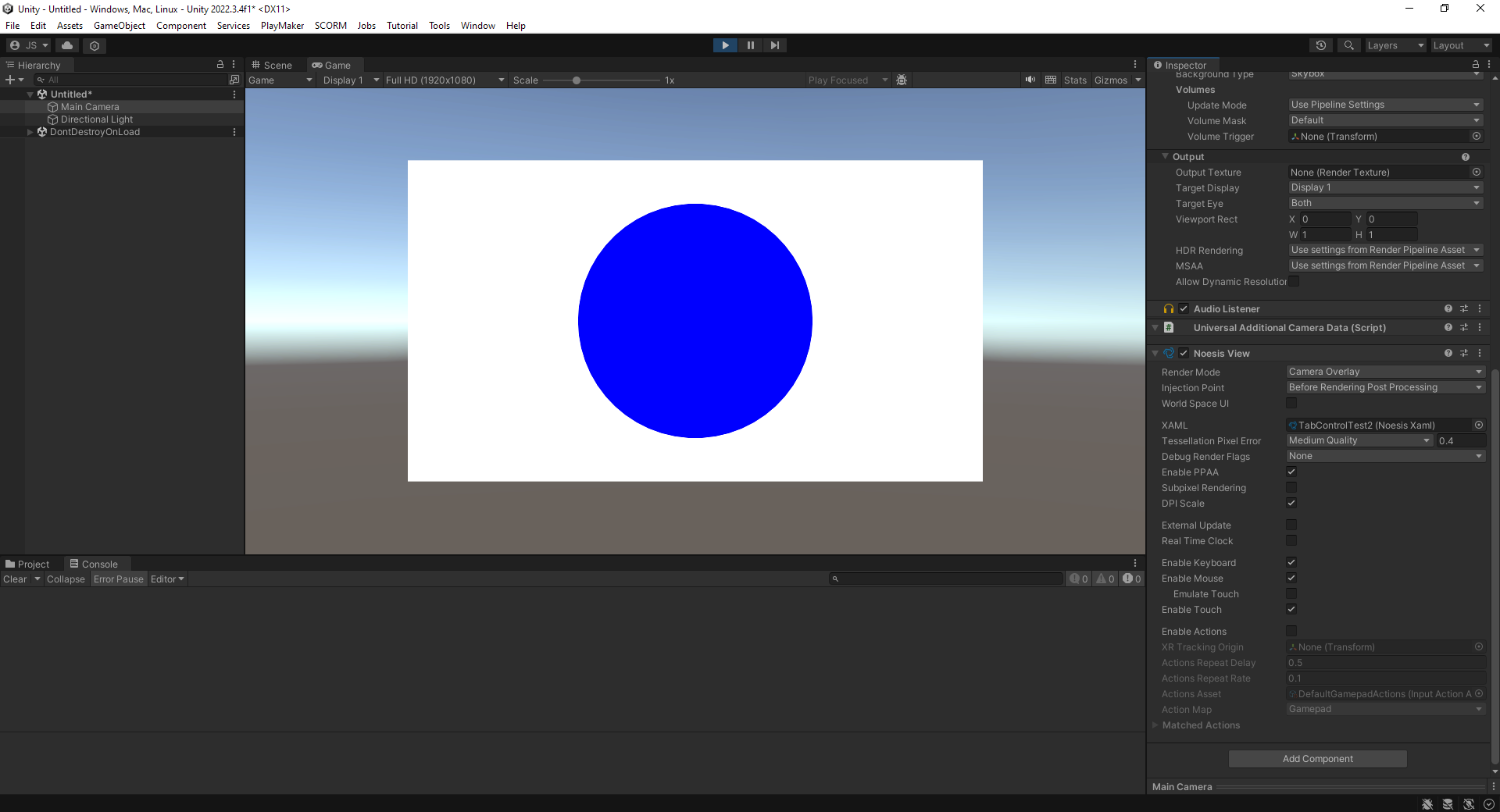
Then I get the expected 736x411 result in Unity:
(Note that if you're looking for the bottom half of the Inspector from the above screen shot, I included it in this screen shot)
So, what is it about using an Image that causes it to render as a square?
Thank you for your time and assistance!
Below is the XAML (the redundant Widths and Heights were added to this sample to show that forced adherence to the desired dimensions appears to not be honored).
Code: Select all
<UserControl x:Class="Unity.Assets.UI.View.TabControlTest2"
             xmlns="http://schemas.microsoft.com/winfx/2006/xaml/presentation"
             xmlns:x="http://schemas.microsoft.com/winfx/2006/xaml"
             xmlns:mc="http://schemas.openxmlformats.org/markup-compatibility/2006"
             xmlns:d="http://schemas.microsoft.com/expression/blend/2008"
             xmlns:local="clr-namespace:Unity.Assets.UI.View"
             mc:Ignorable="d" Width="736" Height="411">
    <Grid Width="736" Height="411">
        <Image Source="JapaneseFlag.png" Width="736" Height="411"/>

        <!-- I get the same result with a Rectangle and ImageBrush
        <Rectangle Width="736" Height="411">
            <Rectangle.Fill>
                <ImageBrush ImageSource="JapaneseFlag.png" Stretch="Uniform"/>
            </Rectangle.Fill>
        </Rectangle>-->
    </Grid>
</UserControl>1. File >> New Scene >> Basic (Built-in)
2. Add Component >> NoesisGUI >> Noesis View
3. Select XAML file
4. Play
The result renders in Unity as 411x411:
If I change the XAML to this:
Code: Select all
<Grid Width="736" Height="411">
    <Rectangle Width="736" Height="411" Fill="White"/>
    <Ellipse Width="300" Height="300" Fill="Blue"/>
</Grid>(Note that if you're looking for the bottom half of the Inspector from the above screen shot, I included it in this screen shot)
So, what is it about using an Image that causes it to render as a square?
Thank you for your time and assistance!